Navigating the 2025 Webcam Market
With hundreds of webcam models flooding the market in 2025 — from basic $15 cameras to premium 4K autofocus solutions — it's genuinely hard to tell which features justify the price tag. We've tested and compared the top 5 webcams of 2025, focusing on what actually matters for daily use: image clarity, microphone quality, ease of setup, and real value for money.
1. Logitech Brio 500 — лучший выбор для офиса и дома
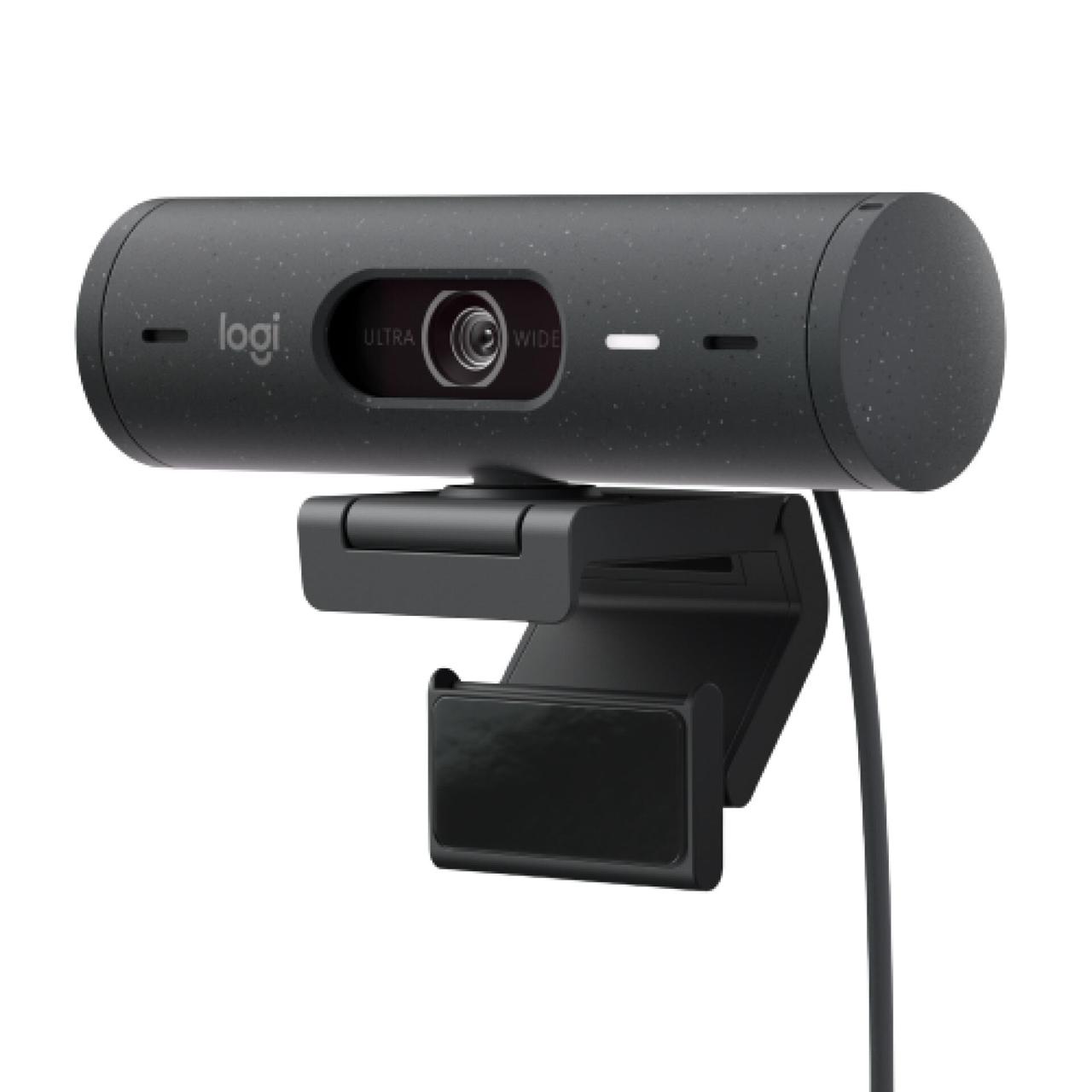
Resolution: 1080p / 60 fps
Features: Auto-exposure, intelligent framing, noise-canceling microphone.
The Logitech Brio 500 is one of the most balanced cameras on the market. It's suitable for business meetings, teachers, and streamers alike. The proprietary RightLight 4 technology automatically adjusts brightness and color, making the image look natural even under lamp lighting. Supports both Windows and macOS, works with "plug and play" simplicity.
2. Razer Kiyo Pro X — For Streamers and Online Instructors
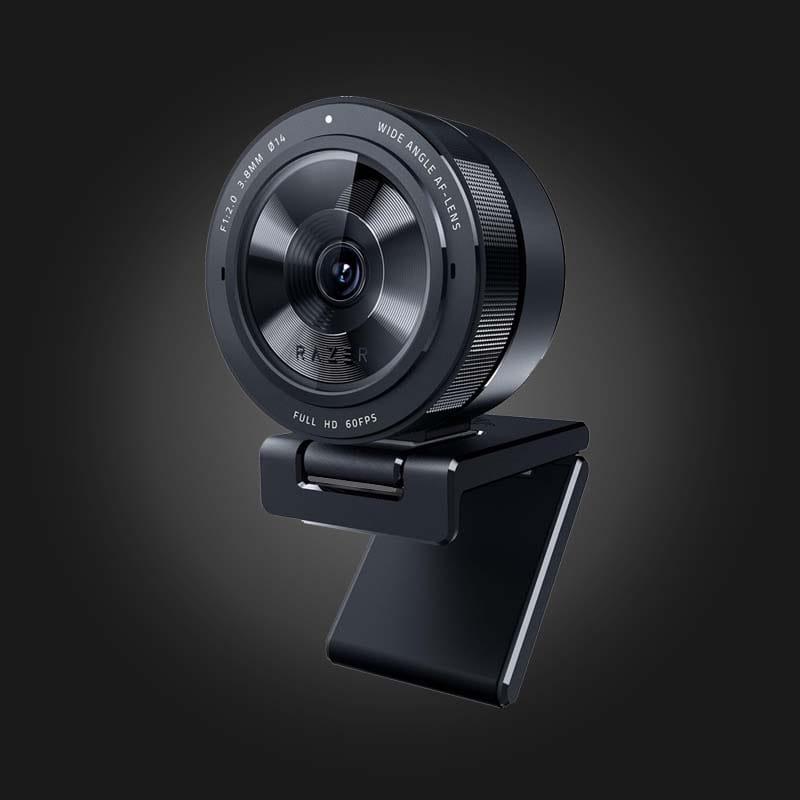
Resolution: 1080p / 60 fps
Highlights: Sony STARVIS sensor, 103° wide angle, auto-exposure, and HDR.
The Kiyo Pro X creates a "professional camera" effect — smooth image without overexposure and deep contrast. Perfect for OBS, Twitch, and YouTube. Thanks to its wide field of view, the camera captures not just your face but also your workspace — ideal for demos and lectures.
3. Logitech C920 HD Pro — Legendary Reliability
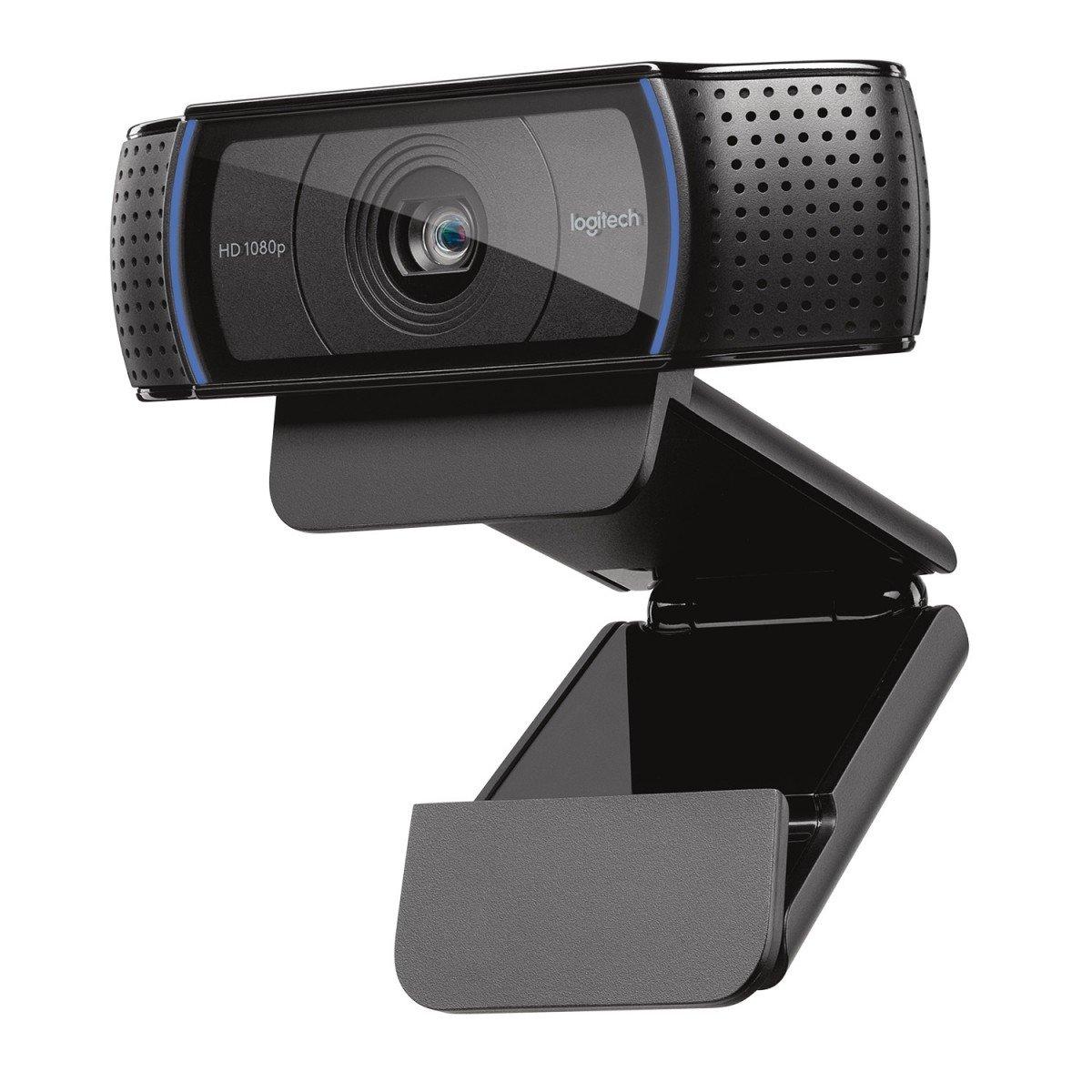
Resolution: 1080p / 30 fps
Features: Stereo microphone, autofocus, easy setup.
A classic model that remains the standard in the mid-price segment. Delivers stable video, works with any platform including Zoom, Skype, Discord. Perfect for remote work and study, especially if you don't want to splurge on 4K.
4. AverMedia PW315 — Smoothness and Realism
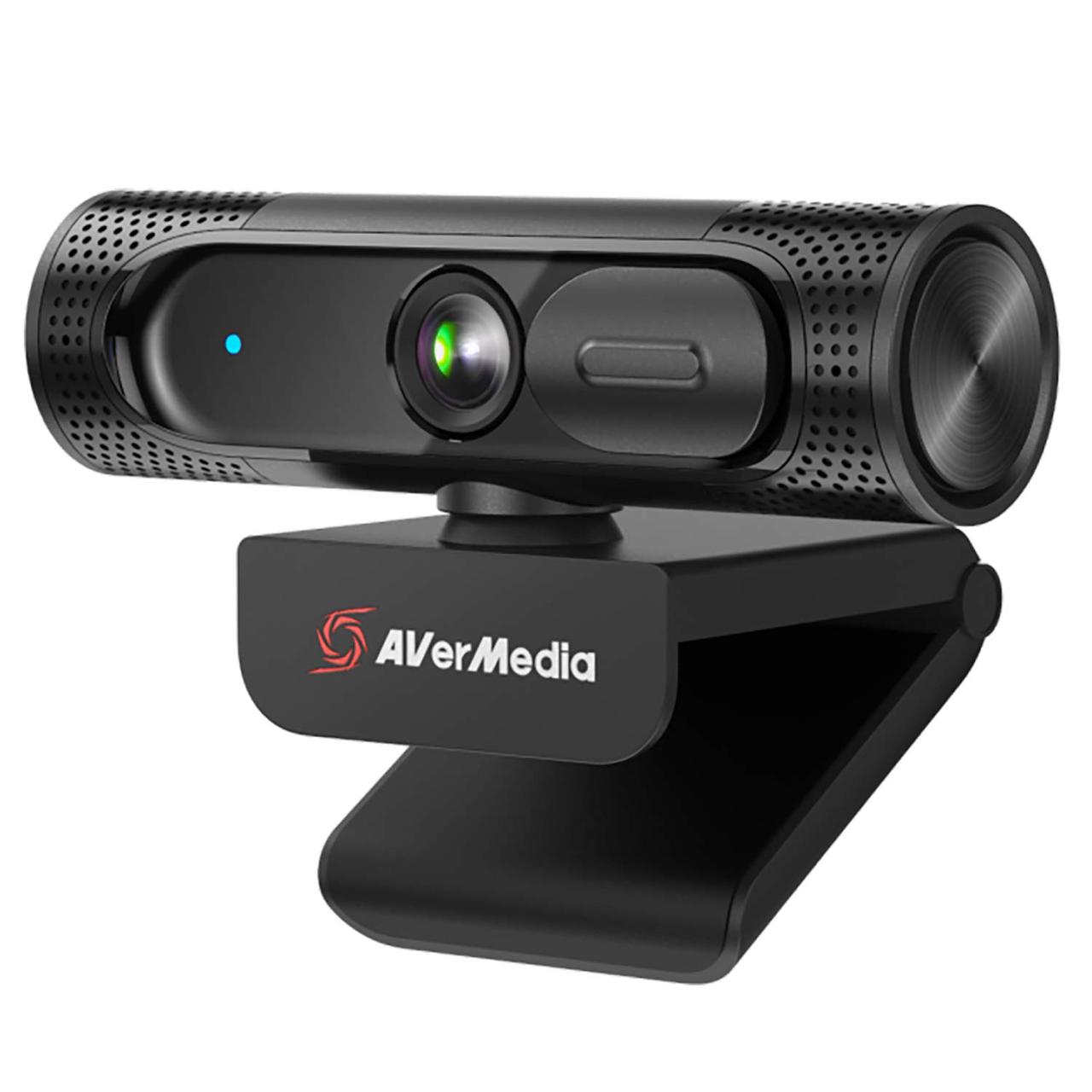
Resolution: 1080p / 60 fps
Features: Wide-angle lens, noise cancellation, tripod-mountable.
The PW315 is perfect for those who frequently record video tutorials, webinars, or podcasts. The high frame rate ensures smooth motion without blur, and the built-in microphone handles office and room noise well.
5. Insta360 Link — Smart Camera with Auto-Tracking
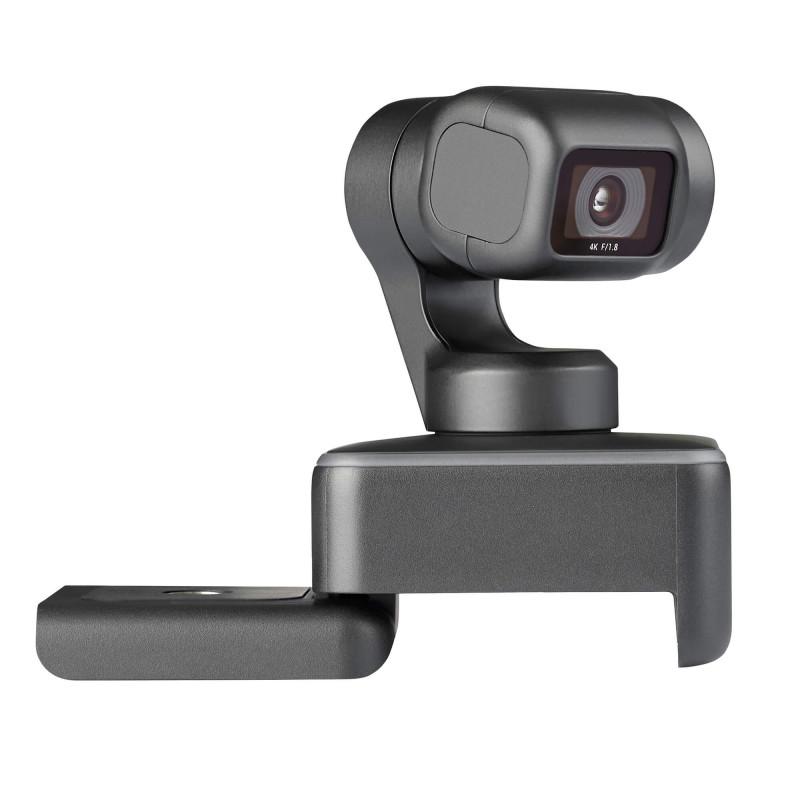
Resolution: 4K / 30 fps
Features: Motorized pan, face autofocus, HDR, whiteboard and presentation modes.
The Insta360 Link feels like a "mini operator": it follows you, keeps focus on your face, and can switch to document presentation mode. Works with Windows, macOS, OBS, and Zoom without drivers.
6. Comparison Table
| Model | Resolution | FPS | Best For | Key Features |
|---|---|---|---|---|
| Logitech Brio 500 | 1080p | 60 | Work, meetings | RightLight 4, excellent autofocus |
| Razer Kiyo Pro X | 1080p | 60 | Streaming, online classes | Sony STARVIS sensor, HDR |
| Logitech C920 | 1080p | 30 | Work, study | Reliability and simplicity |
| AverMedia PW315 | 1080p | 60 | Podcasts, webinars | Smooth video, wide angle |
| Insta360 Link | 4K | 30 | Premium content | AI tracking, whiteboard mode |
7. Selection Tips
- For regular video calls and meetings, Full HD (1080p) is sufficient.
- If you're a teacher, streamer, or record lessons — choose cameras with 60 fps.
- For office use, pick a model with autofocus and microphone noise cancellation.
- Lighting is critical: even the best camera can't save poor lighting.
The Verdict
Key takeaway: A decent webcam has become a professional necessity, not a nice-to-have. Full HD at 30 fps covers the needs of most remote workers, while 4K only makes sense if you create high-end video content.
Before buying a new camera, test your current one on our service — it might work perfectly, you just need better lighting and proper settings.
👉 Test your camera on docam.io