The hidden cause behind most bad video calls
We've all been there: laggy video, garbled audio, a frozen screen mid-sentence. The instinct is to blame the internet or the app, but the real culprit is usually something far more fixable — a misconfigured microphone, a camera struggling in low light, revoked browser permissions, or a shaky WebRTC connection that nobody thought to check.
docam.io was created to solve exactly this problem. It allows you to test your microphone, webcam, speakers, geolocation, internet speed, and WebRTC directly in the browser — no downloads, no setup. But to really understand why these tests matter, let’s look at some fascinating real-world limits of sound and video.
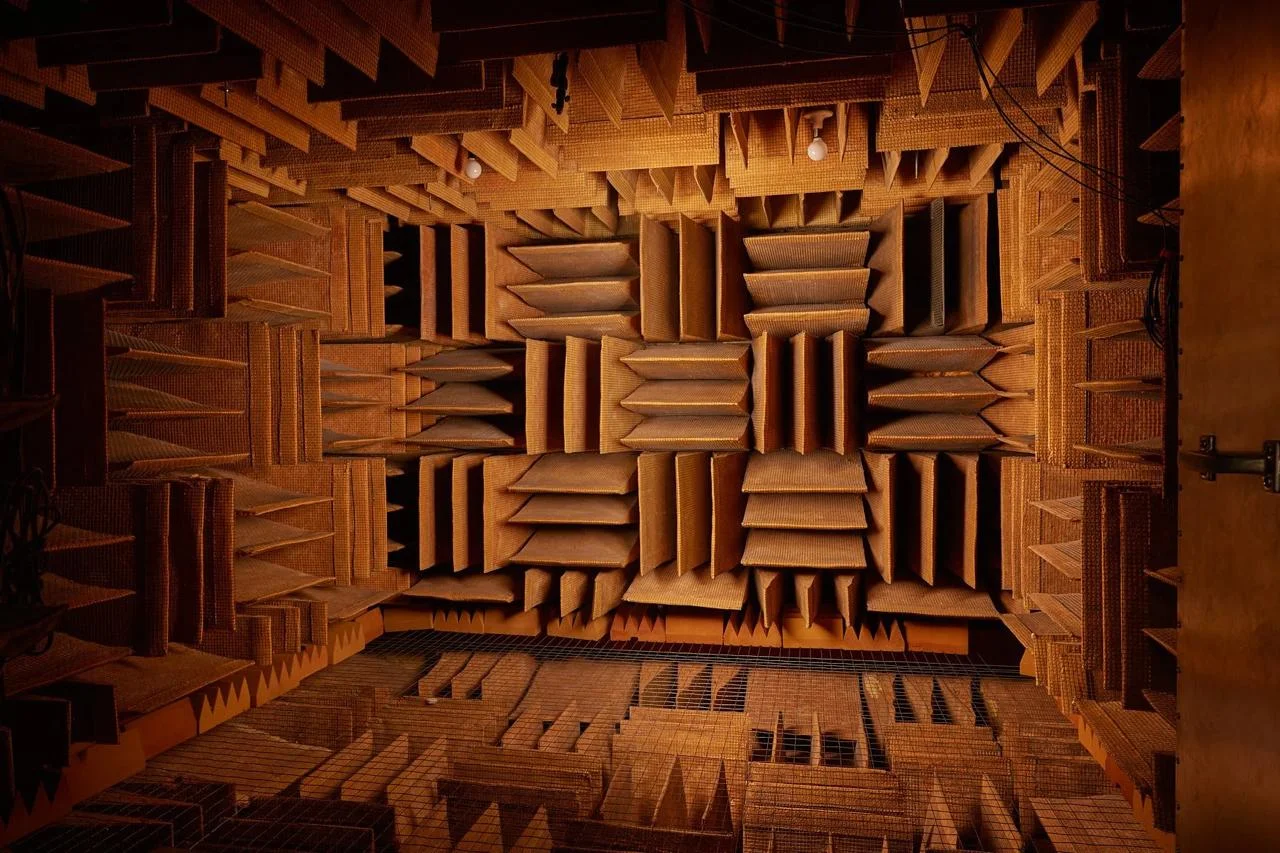
One of the most interesting research facts in acoustics is the concept of absolute silence. The world record for the quietest place on Earth belongs to the anechoic chamber at Orfield Laboratories, measured at –24.9 dBA. At this level, people can hear their own heartbeat and even the sound of blood flowing in their ears.
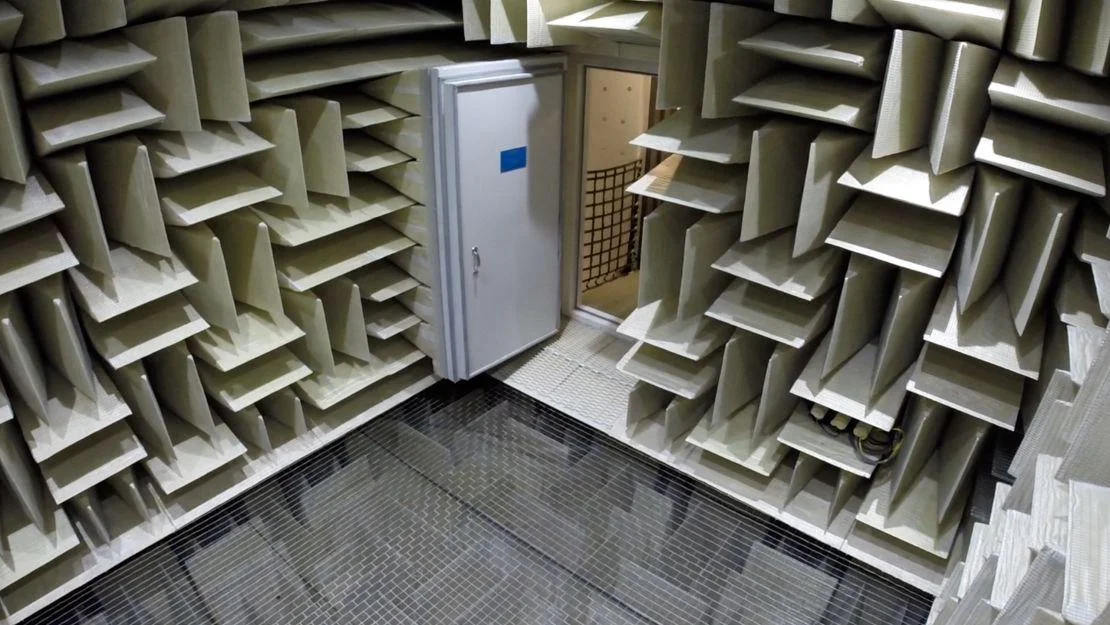
For comparison, an earlier record holder was Microsoft, whose anechoic chamber measured around –20 dBA.
Why does this matter for online microphone tests?
Because no consumer microphone operates anywhere near true silence. Every microphone has a noise floor caused by:
- room acoustics,
- electrical noise,
- laptop fans,
- browser audio processing (automatic gain control, noise suppression).
When you test your microphone on docam.io, even in a quiet room, you’ll see background noise. This is normal — and useful. The test helps you identify:
- constant hiss or hum,
- aggressive noise suppression cutting off the start of words,
- distortion when speaking loudly.
Tip: stay silent for 2–3 seconds during the test, then speak normally and loudly. This makes microphone limitations visible immediately.
The real limits of modern webcams: why resolution is not everything
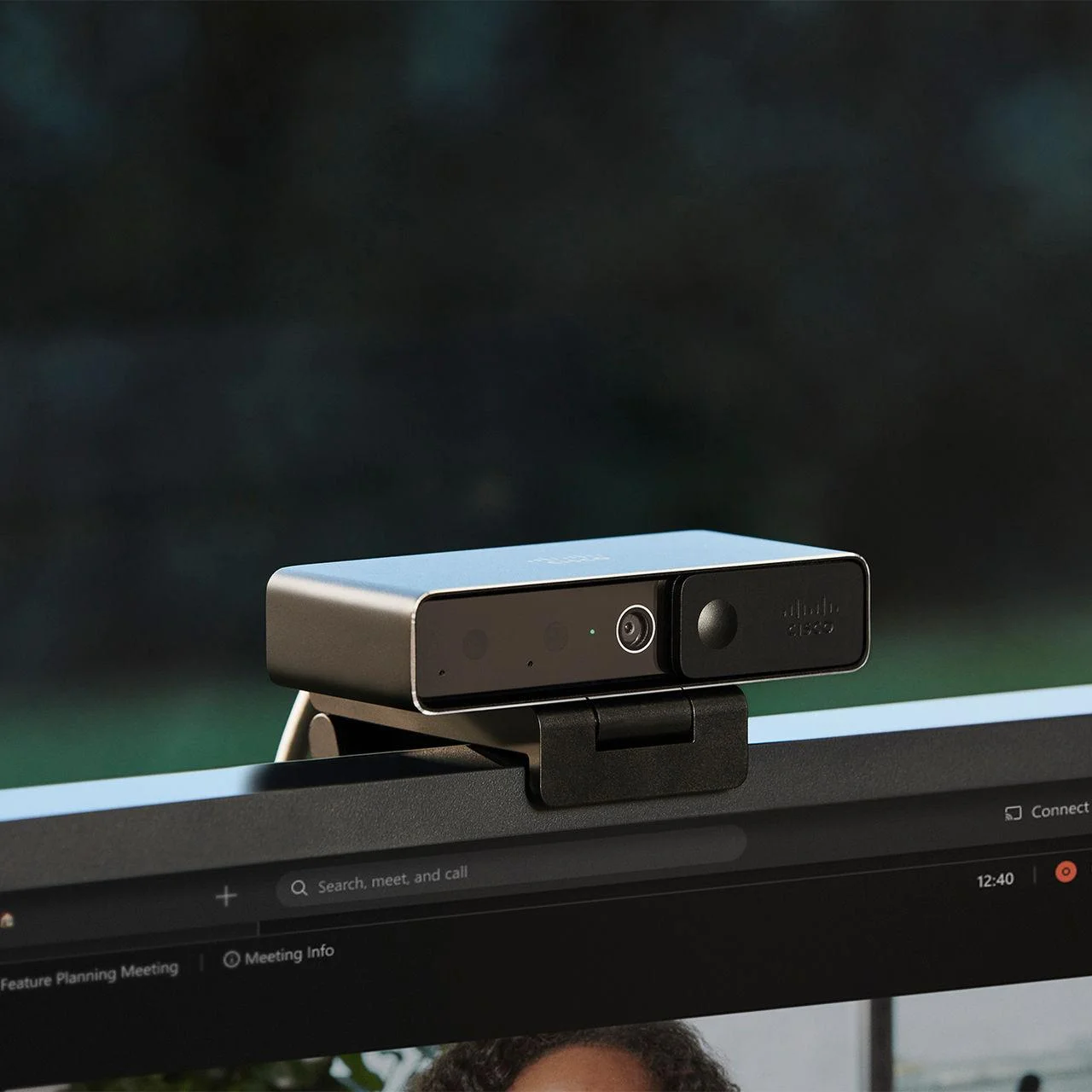
Webcams have improved dramatically, but they haven’t escaped physics. In 2024–2025, the practical upper limit for consumer webcams is no longer about “more pixels,” but about balance:
- 4K resolution,
- usable frame rates,
- sensor quality,
- light sensitivity,
- real-time processing.
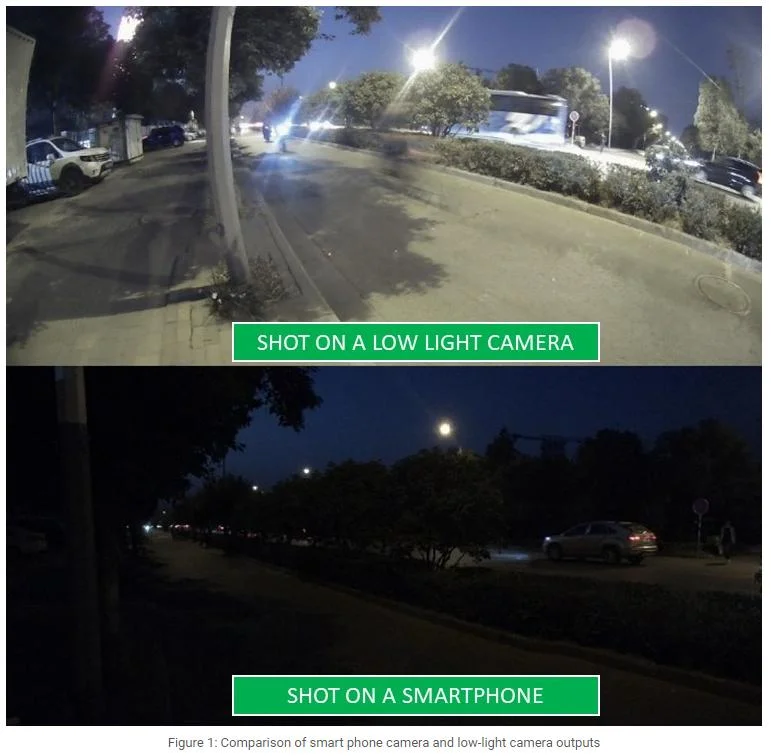
Many modern webcams advertise 4K, but in practice:
- 4K often drops to 30 fps,
- autofocus hunts during movement,
- image quality collapses in low light.
That’s why a webcam test on docam.io is essential. It shows:
- the actual resolution and smoothness,
- autofocus behavior when you move closer or farther,
- exposure changes when lighting conditions shift,
- lip-sync delay caused by heavy video processing.
In many cases, improving lighting gives better results than upgrading to a higher-resolution camera.
What docam.io lets you test — and why it saves time
1. Microphone testing
- Input volume and clipping
- Background noise level
- Audio artifacts from browser processing
2. Speaker and headphone testing
- Left/right channel balance
- Distortion at low frequencies
- Volume inconsistencies caused by system effects
3. Webcam testing
- Sharpness and frame rate
- Autofocus accuracy
- Exposure and color behavior
4. Geolocation testing
Geolocation tests help identify blocked browser permissions or corporate policies that can indirectly interfere with camera and microphone access.
5. Internet speed and WebRTC testing
High speed does not guarantee good calls. WebRTC depends on:
- latency,
- jitter,
- packet loss,
- firewall and VPN behavior.
The WebRTC test on docam.io acts as a fast diagnostic tool to determine whether the issue lies in hardware, browser settings, or the network itself.
A 60-second checklist before any online call
- Test your microphone: speak, pause, and listen for noise.
- Check your webcam: lighting, focus, and smoothness.
- Run internet speed and WebRTC tests, especially on VPNs or office networks.
- If something fails, try another browser or disable extensions that modify audio/video.
Test first, call with confidence
Every microphone picks up some noise, every camera needs light, and no network connection is perfectly stable — those are physical realities. The difference between a frustrating call and a smooth one often comes down to preparation: spend 60 seconds testing your gear on docam.io before the meeting starts, and you eliminate most surprises before they happen.